Fiber Internet in Sai Kunj Enclave, Lane No. 1, Westend Marg serves families, tenants and small home offices. A useful broadband decision begins with the exact premises, not merely the neighbourhood name.
This page explains how to request Fiber Link Broadband around Lane No. 1, Westend Marg, how to compare the ₹499, ₹699 and ₹799 monthly plan references, and how to avoid common installation or Wi-Fi mistakes. Call or WhatsApp 9971524677 for current address-level confirmation.
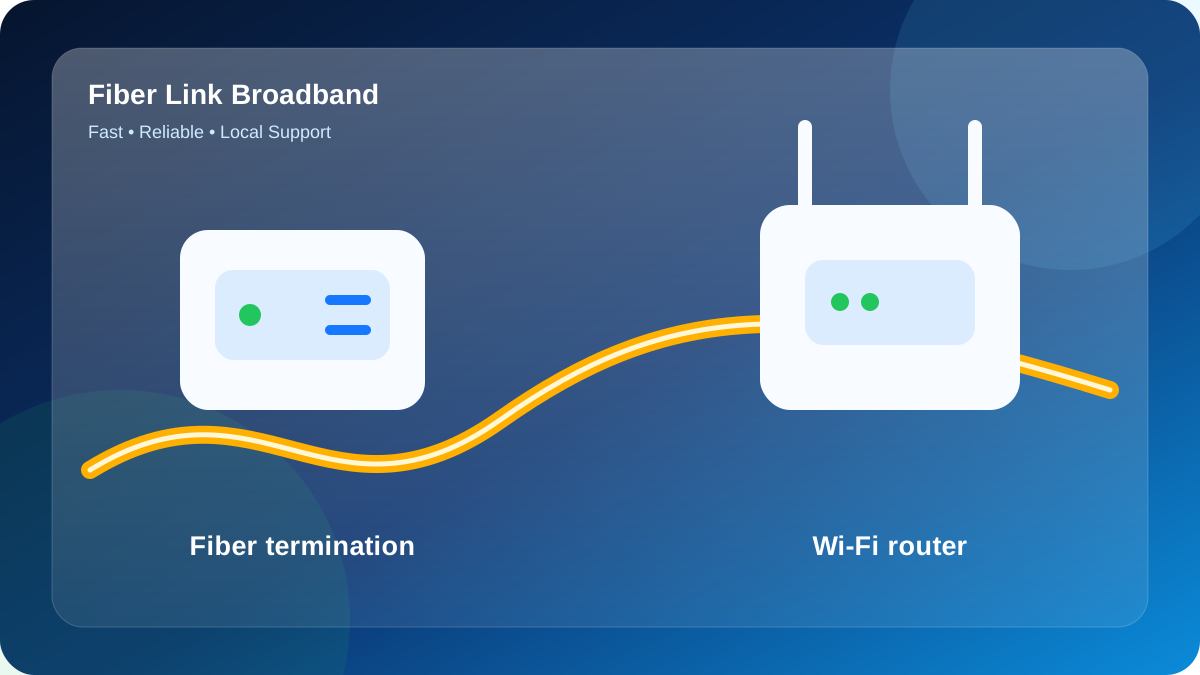
Area coverage versus unit feasibility
Sai Kunj Enclave sits within the Lane No. 1, Westend Marg search area, but a locality result is not final approval. The occupied floor, cable distance and permissions decide whether activation can proceed.
Feasibility normally depends on the cable approach, common-area access, distance to the unit and approval for clips or a small entry hole. The practical next step for Sai Kunj Enclave is to share Lane No. 1, the enclave gate, house or flat number, floor and owner permission.
Plan selection by activity
- Calls and classes: 100 Mbps can be sufficient when usage is light and Wi-Fi is strong.
- Family streaming plus office work: 200 Mbps is often the balanced tier.
- Many rooms and busy evenings: 300 Mbps creates more shared capacity, especially with proper access points.
Recommended comparison point: 200 Mbps (₹699/month) for families, shared flats, work from home and simultaneous entertainment.
Six questions to answer before drilling
- Is this the correct entrance to Sai Kunj Enclave?
- Which floor or room receives the service?
- Who permits the common cable path?
- Can the cable avoid a door gap or exposed walkway?
- Where are power and ventilation available?
- Which rooms must pass the final Wi-Fi test?
Use the floor plan before buying more Mbps
A lane no. 1 enclave request where unit identification and a neat common-area cable route are key. Keep the router elevated and unobstructed, with ethernet available for a fixed desktop or smart television.
Use this peak example: a home office with one wired computer, two laptops and regular family streaming. First establish a clean baseline beside the router, then test behind closed doors in the study, bedroom or living area.
If the far room remains weak, add a wired access point. A higher plan increases shared capacity but does not make radio signal pass through concrete more easily.
From address search to working Wi-Fi at Sai Kunj Enclave
The location at Lane No. 1, Westend Marg creates a specific planning task: a Lane No. 1 enclave request where unit identification and a neat common-area cable route are key. That is why this page treats the property rather than only the PIN code.
For planning purposes, assume a home office with one wired computer, two laptops and regular family streaming. The goal is not the largest advertised number; it is stable performance when the premises is actually busy.
Inside the premises, keep the router elevated and unobstructed, with Ethernet available for a fixed desktop or smart television. This reduces the chance that the fiber terminates at a convenient cable entry but an inconvenient Wi-Fi position.
The address handoff should share Lane No. 1, the enclave gate, house or flat number, floor and owner permission. For Sai Kunj Enclave, attach the live pin at the entrance rather than a pin dropped on the wider road.
Property-specific summary: Sai Kunj Enclave - Lane No. 1, Westend Marg - families, tenants and small home offices. Expected peak: a home office with one wired computer, two laptops and regular family streaming.
A practical network blueprint for Sai Kunj Enclave
At Sai Kunj Enclave, the network should be designed for families, tenants and small home offices. The starting constraint is a Lane No. 1 enclave request where unit identification and a neat common-area cable route are key. A useful installation brief combines the route, equipment location, peak demand and final room tests in one place.
For a repeatable test, model a busy period between 7:00–9:00 PM. Use approximately 7 phones, 1 laptops, 2 television or streaming devices, 1 camera feeds and 0 gaming console at the same time. This synthetic mix translates the example—a home office with one wired computer, two laptops and regular family streaming—into a concrete test list.
| Test point | Purpose at Sai Kunj Enclave | Pass condition |
|---|---|---|
| cable entry point | Confirm the route after you share Lane No. 1, the enclave gate, house or flat number, floor and owner permission | Fiber is protected, labelled and not trapped by a door |
| main usage room | Apply the indoor plan: keep the router elevated and unobstructed, with Ethernet available for a fixed desktop or smart television | Stable nearby 5 GHz or Ethernet baseline |
| weak-signal corner | Recreate the peak: a home office with one wired computer, two laptops and regular family streaming | Calls, streams or work remain usable without repeated drops |
| support record | Save Sai Kunj Enclave, Lane No. 1, Westend Marg, plan and equipment details | Customer can identify the connection and report a fault clearly |
After activation, write down the device used, Wi-Fi band, room and test time. If weak-signal corner is weak while main usage room is healthy, treat it as an indoor coverage issue before upgrading the plan.
Compare the whole service, not only Mbps
A lower price is not useful if the router cannot cover the occupied rooms or the service route is unclear.
- Exact floor confirmed
- Safe route explained
- Equipment terms disclosed
- Wi-Fi layout discussed
- Support channel identified
Address checklist for Sai Kunj Enclave
- Identify: write the full property name and Lane No. 1, Westend Marg.
- Pin: share the exact gate rather than a nearby road junction.
- Specify: add the unit, room or floor that needs service.
- Authorise: arrange access to the staircase, shaft or exterior route.
- Describe: mention users, rooms and the busiest online activities.
Start with a route survey for Sai Kunj Enclave
Before choosing a date, ask 9971524677 to confirm the current route and capacity for Sai Kunj Enclave, Lane No. 1, Westend Marg.
Installation remains subject to a safe cable route and current network availability. Do not pay on the assumption that a locality-level listing guarantees the requested unit.
Send the building and floor
Include the property, lane or landmark, floor, map pin and intended use.
WhatsApp 9971524677Call for New ConnectionQuestions people ask about Sai Kunj Enclave
Is an address survey needed for Sai Kunj Enclave?
Yes. A short survey or address-level feasibility check avoids booking the wrong gate or a floor that cannot yet be reached safely.
What does the ₹699/month option suit?
The ₹699/month reference plan is commonly used for families, shared flats, work from home and simultaneous entertainment. Current charges and equipment terms must be confirmed for the address.
When is a wired access point needed?
Use one when an important room or another floor remains weak despite a sensible central router position. Ethernet backhaul gives predictable performance.
Do tenants need owner or caretaker permission?
Permission may be required for drilling, exterior clips, staircase access, shafts or shared cabinets. Agree on the route before the technician arrives.
What equipment terms should I ask about?
Ask whether the router is supplied or customer-owned, what security applies, who manages the login and what happens when service ends.
What information speeds up the enquiry?
Provide the exact entrance, floor, authorised contact, cable permission, device count and busiest usage period.