For Freedom Fighter Vihar, a good connection is one that remains usable at busy hours, reaches the rooms where people actually work and can be repaired without a long call-centre chain. That is the standard used throughout this guide.
The local environment includes Blocks A to E, named floors and societies, family homes, rented flats and professional workspaces around the IGNOU Road–Neb Sarai side. Because users and building types are mixed, one standard router position or one plan recommendation cannot work for every address.
Before choosing a connection in Freedom Fighter Enclave
Nearby reference points such as Neb Sarai, Paryavaran Complex and IGNOU Road help describe the service pocket, but a landmark is not a substitute for the Freedom Fighter Vihar service location. Two buildings on the same road can have different access paths, permissions or internal wiring conditions.
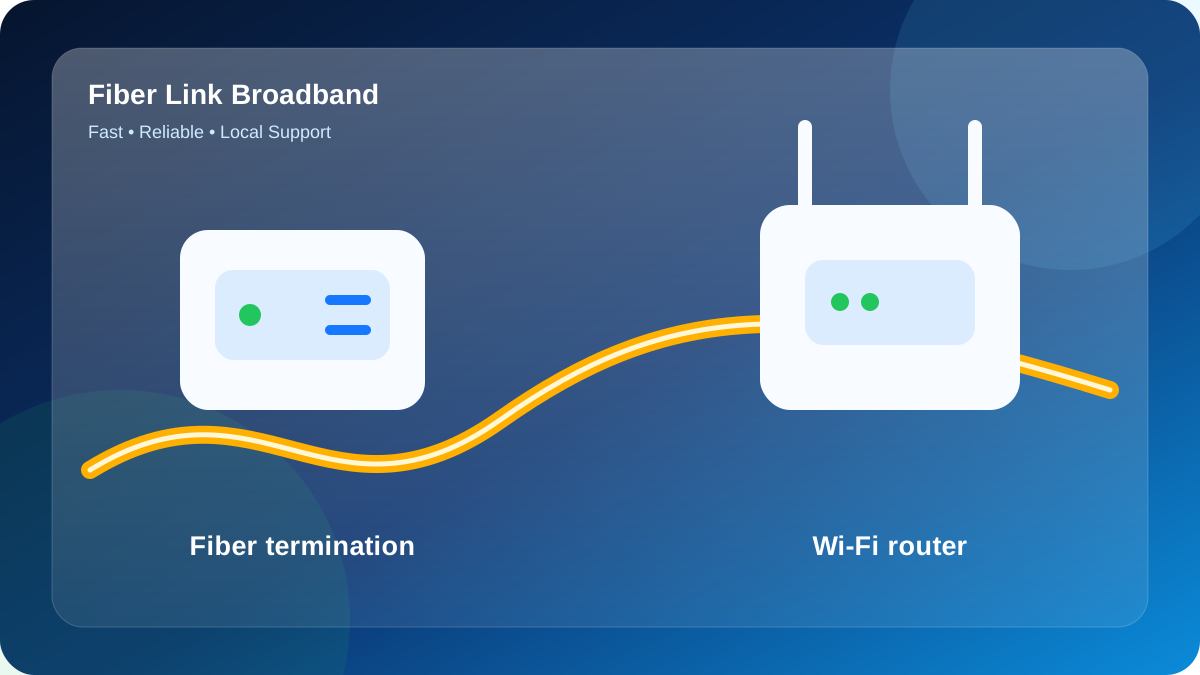
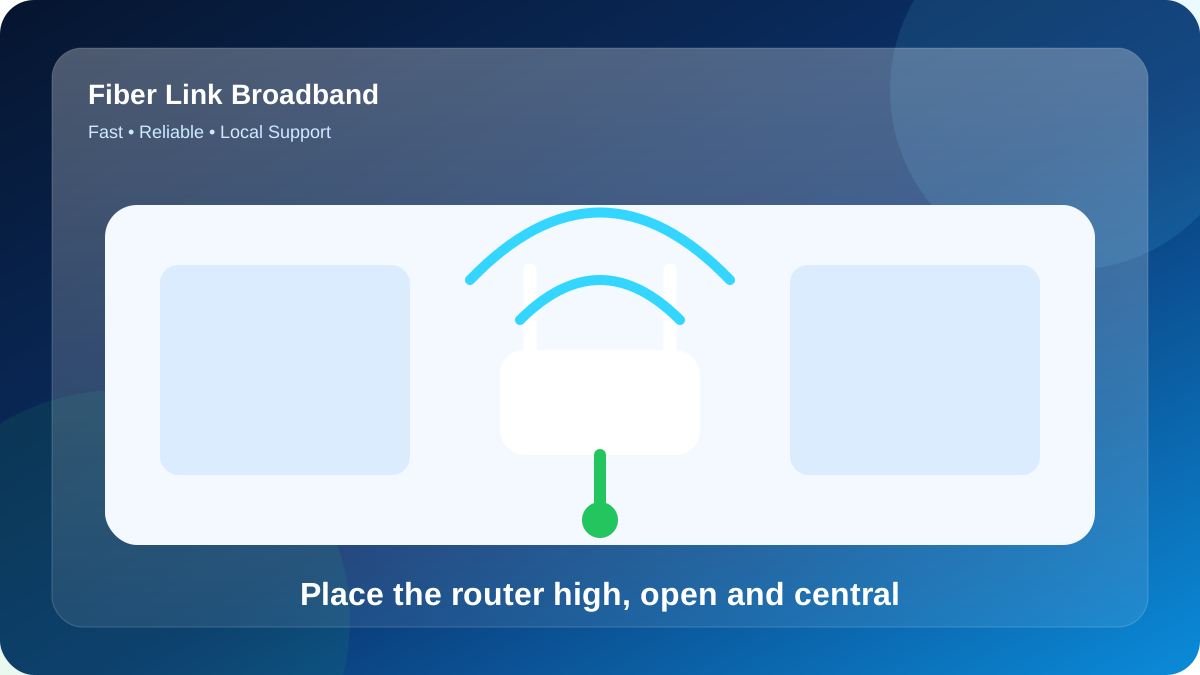
This planning point matters because the area includes builder floors and multi-storey houses where one router may not cover every bedroom, balcony and upper floor evenly. Prior to activation, decide which room needs the strongest signal, whether the Wi-Fi gateway can be placed centrally and whether a second access point may be required. This prevents the common mistake of placing the Wi-Fi gateway beside the fiber entry only because it is convenient for the cable.
Freedom Fighter Enclave is best approached with a building-specific service assessment. The broad area may be serviceable while an individual lane, block, floor or building still needs confirmation of the nearest distribution point and a safe cable route. Sharing the house number, floor, landmark and a map pin helps the installation team avoid vague promises.
Practical advice for Fiber Broadband for Freedom Fighter Vihar, Freedom Fighter Enclave
When the installation request concerns Freedom Fighter Vihar, first confirm who can approve the cable route and where the fiber termination box can be fixed. In a rented flat, the tenant may need the owner’s permission for drilling; in a shared building, the route should avoid stairway hazards and exposed bends.
Plan Freedom Fighter Vihar one floor at a time. When the main Wi-Fi unit and the busiest room are on different levels, an Ethernet-fed access point or well-placed mesh unit normally outperforms a low-cost repeater.
Before activation at Freedom Fighter Vihar, confirm whether the service is for one household or for separately occupied floors. Guest Wi-Fi, distinct routers and labelled power adapters can simplify privacy and maintenance.
Example: matching speed and coverage
Consider a compact one-bedroom flat in Freedom Fighter Enclave. During the evening it may run UPI billing, CCTV viewing, WhatsApp orders and staff Wi-Fi at the same time.
Start by testing the main room and the far room separately. If capacity is sufficient beside the gateway, improve coverage before upgrading the broadband tier. This avoids paying more without fixing the actual weak spot.
The lesson is to solve capacity and coverage as separate questions. Upgrading speed helps congestion; better placement or an access point helps dead zones.
A page-specific Wi-Fi design for Freedom Fighter Vihar
For this guide, consider a planning model with 4 main rooms across 1 floor level, approximately 4 phones, 3 laptops, 3 smart TVs and 2 cameras. This is not a claim about the actual property at Freedom Fighter Vihar; it is a practical load model that helps a customer count devices before selecting a plan.
In the model for Freedom Fighter Vihar, the morning load is video meetings and school portals, while the busiest evening period begins around 7:00 PM with two OTT streams plus social video. Because the activities overlap, the recommendation should include headroom for background data demand. A phone can upload photos, a television can update apps and a camera can send data even when nobody is actively thinking about bandwidth.
The first router candidate for Freedom Fighter Vihar should be near the upper-floor room, with a second test position near the reception desk. The main obstacle in this example is a long corridor. Instead of fixing the Wi-Fi gateway immediately beside the optical entry point, compare both candidate positions using the same phone, one fixed test destination and the same Wi-Fi band.
That area sequence for testing this Freedom Fighter Enclave setup is upper-floor room, then balcony workspace, then reception desk, and finally shop counter. Record signal strength or practical speed at each point. The unusual order is intentional: it checks one nearby zone, one difficult zone, another normal zone and the far edge, which makes the coverage pattern easier to interpret.
For Freedom Fighter Vihar, an upgrade from 100 to 200 Mbps is justified when concurrent household members create congestion beside the Wi-Fi unit. An access point or mesh upgrade is justified when the speed is healthy beside the gateway but falls sharply in balcony workspace or shop counter. These are different symptoms and should not be solved with the same purchase.
A useful technical support message for Fiber Broadband for Freedom Fighter Vihar, Freedom Fighter Enclave should say which device was used, whether it was connected by Ethernet, 5 GHz or 2.4 GHz, that area, the test time and the Wi-Fi gateway light status. “Slow internet” is difficult to diagnose; “5 GHz is normal in upper-floor room but weak in shop counter after 7:00 PM” gives the technician a starting point.
| Zone | Purpose | Recommended check | Decision |
|---|---|---|---|
| upper-floor room | Main work zone | Confirm open placement | Review during peak time |
| reception desk | Family-use zone | Compare signal before drilling | Review during peak time |
| balcony workspace | Wall-crossing test | Move mesh satellite closer | Use a cable-fed access point where Freedom Fighter Vihar needs more reach |
| shop counter | Final room test | Verify practical app performance | Review during peak time |
Device-load worksheet for this Freedom Fighter Enclave page
Use this worksheet as a planning exercise for Freedom Fighter Vihar. Assume 9 devices are active together at 10:15 PM, including 2 fixed screens, 4 mobile devices and 2 real-time calls. The numbers are illustrative, but the counting method is useful for the actual address.
The highest-priority activity in the Freedom Fighter Vihar worksheet is software updates, followed by OTT streaming. Lower-priority background tasks such as multiplayer gaming can be scheduled outside the busy window if congestion appears. This prioritisation helps decide whether a package upgrade is needed or whether better timing alone solves the issue.
For the Freedom Fighter Vihar worksheet, measure TV area, front room and tenant room with one test device. Record the Wi-Fi band and time. A location-dependent drop suggests an access-point decision, while a property-wide drop suggests a broader diagnostic or package review.
| Example load | Main activity | Priority | Planning action |
|---|---|---|---|
| 2 fixed screens | software updates | Time-sensitive | Prefer Ethernet where possible |
| 4 mobile/laptop devices | OTT streaming | Shared | Distribute across both Wi-Fi bands |
| 2 live calls | multiplayer gaming | Upload-sensitive | Pause bulk transfers during critical calls |
| 9 total active clients | video conferencing | Peak-hour total | Compare 100/200/300 Mbps fit |
100, 200 or 300 Mbps: choosing the right plan
A plan can feel fast on one laptop and congested when the whole family is online. This usage-based comparison uses real household patterns to make the choice easier.
| Speed | Price | Typical fit | Suitable uses |
|---|---|---|---|
| 100 Mbps | ₹499/month | Studio, room or light-use home | Real-time calls, YouTube, email, study |
| 200 Mbps | ₹699/month | Family or shared flat | Several phones, OTT screen, work and study |
| 300 Mbps | ₹799/month | Power users and creators | Fast downloads, 4K, gaming, uploads |
The 100 Mbps plan can be a strong entry choice for one room, a small family or users who mainly browse, study and stream in HD. It will not improve weak coverage by itself, so Wi-Fi gateway position still matters.
Users who remote working while others stream should consider 200 Mbps. The extra capacity is most noticeable when multiple people are active rather than when one phone runs an internet performance test.
The 300 Mbps plan is aimed at heavy multi-device homes, gamers, creators and users who move large files. Devices need modern Wi-Fi or Ethernet to take advantage of the higher speed.
How a new connection is arranged
The steps below reduce delays and prevent the Wi-Fi gateway from being fixed in the wrong room.
- Provide the exact building and floor: Send the house or shop number, floor, Freedom Fighter Enclave landmark and a map pin on WhatsApp. Mention whether the building is owned or rented.
- Check fiber-path viability: The nearby field team checks whether an active route and safe cable path are available for the property. Any special internal cabling should be discussed before work starts.
- Match the package to demand: Choose 100, 200 or 300 Mbps using the number of concurrent household members, not only the lowest price or largest headline speed.
- Agree on Wi-Fi gateway position: Identify that area where coverage matters most. A slightly longer internal cable can be worthwhile when it places the Wi-Fi gateway centrally.
- Test and secure the network: Following activation, test beside the gateway, set a strong Wi-Fi password, change the admin password and check the main rooms.
Before work finishes at Freedom Fighter Vihar, inspect the route for trip hazards and sharp bends. A small protected service loop can simplify later repairs.
Diagnosing line speed versus Wi-Fi speed
At Freedom Fighter Vihar, compare a cable test with a strong Wi-Fi test and then the distant room. Different results point toward different fixes instead of an automatic plan upgrade.
Read the Freedom Fighter Vihar test as four separate signals: download for incoming data, upload for outgoing data, ping for responsiveness and jitter for stability. A smooth call may depend more on the last two.
For Freedom Fighter Vihar, run a controlled performance test: use one current device, pause heavy transfers, avoid a VPN and test by Ethernet or from the primary Wi-Fi zone. Keep the server unchanged for comparison.
Why fast fiber can still feel slow on Wi-Fi
In Freedom Fighter Enclave, the area includes builder floors and multi-storey houses where one router may not cover every bedroom, balcony and upper floor evenly. For a second floor or a distant room, an access point with Ethernet backhaul usually preserves more speed than a basic repeater. Mesh systems are convenient when wiring is difficult, but node placement must still be tested.
At Freedom Fighter Vihar, separate fiber capacity from indoor Wi-Fi. Test 5 GHz in the main signal area, then repeat in the farthest used room; a large drop between them points to coverage.
If Freedom Fighter Vihar sees inconsistent Wi-Fi, surrounding networks may be sharing the same channels. Change one setting at a time and keep the original configuration noted.
When fiber broadband for freedom fighter vihar, freedom fighter enclave does not feel right
Use the following page-specific fault example: at Freedom Fighter Vihar, the optical indicator changes from its normal state after cable movement. The purpose is not to assume that every customer will see this problem, but to show a disciplined way to isolate it without repeatedly resetting equipment or changing several settings at once.
- Watch the indicator state before attempting a reboot: Write down which devices fail and whether the Wi-Fi name disappears.
- Separate line from Wi-Fi: Use Ethernet or a close 5 GHz test to check the incoming capacity.
- Test the room where the issue occurs: Repeat the normal activity in the exact room where it fails.
- Remove the latest network change for comparison: Remove a new repeater, VPN or manual DNS change temporarily.
- Report the fault with screenshots and light status: Share screenshots and router-light details with local support on 9971524677.
The best troubleshooting record for Fiber Broadband for Freedom Fighter Vihar, Freedom Fighter Enclave is short but precise: normal result, failed result, room, device, band and time. This evidence helps decide whether remote guidance or a site visit is appropriate.
Security, cable care and reliable daily operation
Keep the original power supplies identified at Freedom Fighter Vihar; similar-looking adapters may have different ratings. Backup power should cover the combined load of both network devices.
Freedom Fighter Vihar should not need daily router restarts. Before rebooting repeatedly, note the optical lights, power condition, cable state and time of failure.
Freedom Fighter Vihar should use modern Wi-Fi encryption plus a non-default admin password. In a shared property in Freedom Fighter Enclave, a guest network is useful for visitors and temporary tenants.
Final connection checklist
Write down the following points so the verbal offer and installed service remain easy to compare.
- Exact recurring charge and selected speed
- Support number and the steps for reporting a fault
- Cable-routing method and any drilling or internal work
- Payment receipt and plan start date
- Whether a future move within the service area can be handled
- Wireless reach needs across floors or distant rooms
- Requirements for CCTV uploads, office VPN access or specialised networking
Freedom Fighter Vihar planning note
A Freedom Fighter Vihar connection may serve a family, a rented floor or a property with separate occupants, so password and equipment ownership should be agreed before activation. Where tenants change frequently, a guest network can protect the main household devices while still giving visitors internet access. The router should not be locked inside a bedroom if the common area and another floor need regular coverage. During the final test, compare a video call in the work area, streaming on the main television and Wi-Fi in the far room. If only the distant zone is weak, extend coverage; if every room slows during simultaneous use, review the speed tier. This distinction prevents an unnecessary equipment purchase or package change.
Check fiber availability for Freedom Fighter Vihar
Send the exact Freedom Fighter Enclave address, floor and nearby landmark. Fiber Link Broadband will check feasibility and explain the suitable plan and Wi-Fi setup.
WhatsApp 9971524677FAQs about Fiber Broadband for Freedom Fighter Vihar, Freedom Fighter Enclave
How do I request a new connection in PIN 110030?
Contact by phone or WhatsApp 9971524677, share the complete address and choose a preferred plan. Feasibility, installation details, router terms and scheduling are then confirmed for the building.
Which broadband speed is suitable for Freedom Fighter Vihar?
For Freedom Fighter Vihar, 100 Mbps fits lighter demand, 200 Mbps suits a busy family or shared flat, and 300 Mbps adds capacity for gaming, 4K video and large transfers.
How should I test broadband speed after installation?
First test with Ethernet or 5 GHz Wi-Fi beside the Wi-Fi unit, then test the normal rooms. Stop downloads and VPNs during the test, and record ping, download, upload, device and time.
Can one router cover a multi-floor home?
Sometimes, but concrete floors often weaken the signal. An access point with Ethernet backhaul or correctly placed mesh satellite is usually more reliable than relying on one router at the fiber entry point.
Is local support available for Freedom Fighter Enclave?
Fiber Link Broadband provides local availability checks and support through contact by phone or WhatsApp on 9971524677. Response and installation timing depend on the Freedom Fighter Vihar service location and current field schedule.