Fiber Internet for The Hosteller, MB Road–Westend Marg Junction serves property managers, staff and guests at a managed-stay location. A locality may be covered while an individual unit still needs a physical route survey.
This page explains how to request Fiber Link Broadband around MB Road–Westend Marg junction, how to compare the ₹499, ₹699 and ₹799 monthly plan references, and how to avoid common installation or Wi-Fi mistakes. Call or WhatsApp 9971524677 for current address-level confirmation.
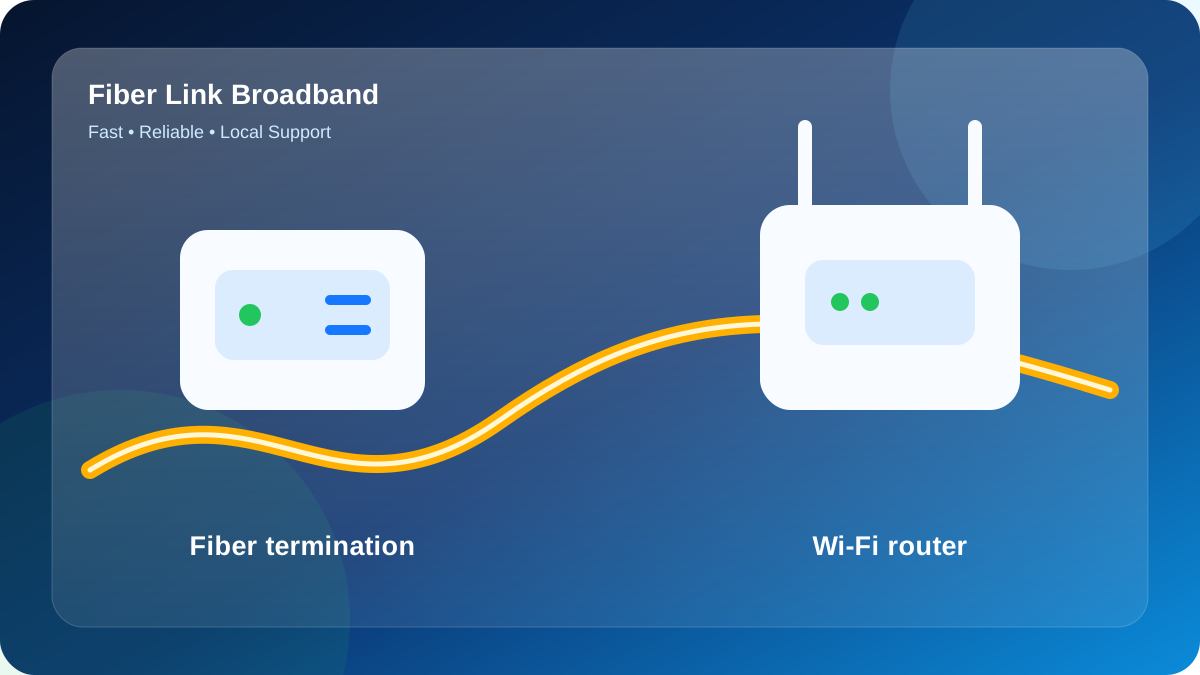
Area coverage versus unit feasibility
The Hosteller sits within the MB Road–Westend Marg junction search area, but a locality result is not final approval. The occupied floor, cable distance and permissions decide whether activation can proceed.
Feasibility normally depends on the cable approach, common-area access, distance to the unit and approval for clips or a small entry hole. The practical next step for The Hosteller is to send the map pin, correct entrance, occupied floors and on-site permission contact.
Do not book from a landmark alone
The Hosteller is associated with MB Road–Westend Marg junction, but a landmark is not a serviceable unit. Write the building or house, exact entrance, occupied floor and a map pin.
- State whether the request is for a home, PG, hostel, office or shop.
- Name the person who can approve the shared cable route.
- Mention locked terraces, restricted shafts or access hours.
- Describe the preferred room for the optical device and router.
A three-speed starting comparison
| Plan | Price | Where it fits |
|---|---|---|
| 100 Mbps | ₹499/month | Light households, classes, calls and regular streaming |
| 200 Mbps | ₹699/month | Shared flats, families and simultaneous work plus entertainment |
| 300 Mbps | ₹799/month | Heavy concurrency, gaming, managed stays and many devices |
For this page, 300 Mbps at ₹799/month is a useful reference for shared properties with many active devices; access-point design remains essential. Confirm current terms for the address.
A shared building is a small network
The Hosteller should be planned around occupied rooms and the evening peak. The representative demand is a managed stay with check-in operations, guest streaming, staff systems and security devices running together.
Place access points by floor and shared area, with wired uplinks where guest density is high. Wired access points preserve capacity better than a chain of wireless repeaters.
Keep administrator credentials private, document equipment locations and ensure authorised staff can reach the optical device during a fault.
Local connection priorities for The Hosteller
For The Hosteller, a useful recommendation begins with the people using the connection—property managers, staff and guests at a managed-stay location—and the physical reality of a junction-area property where exact gate and internal network design matter more than the landmark name.
Use this scenario when comparing options: a managed stay with check-in operations, guest streaming, staff systems and security devices running together. It reveals whether the property needs more total bandwidth, better access-point placement, or both.
The router decision for this address is straightforward: place access points by floor and shared area, with wired uplinks where guest density is high. Keep the equipment ventilated, powered and available for troubleshooting.
To move from enquiry to a feasible visit, send the map pin, correct entrance, occupied floors and on-site permission contact. Include the exact MB Road–Westend Marg junction approach and a contact who can open or approve shared areas.
Property-specific summary: The Hosteller - MB Road–Westend Marg junction - property managers, staff and guests at a managed-stay location. Expected peak: a managed stay with check-in operations, guest streaming, staff systems and security devices running together.
How to validate the finished connection at The Hosteller
The local plan for The Hosteller should be written around property managers, staff and guests at a managed-stay location. Because a junction-area property where exact gate and internal network design matter more than the landmark name, the installer and customer should agree on the route and the indoor coverage target before fixing equipment.
Validate the plan at 7:30–11:00 PM. The test inventory can include 6 smartphones, 2 computers, 1 television streams, 1 surveillance feeds and 1 gaming console, matching the demand pattern of a managed stay with check-in operations, guest streaming, staff systems and security devices running together.
| Test point | Purpose at The Hosteller | Pass condition |
|---|---|---|
| common area | Confirm the route after you send the map pin, correct entrance, occupied floors and on-site permission contact | Fiber is protected, labelled and not trapped by a door |
| resident room cluster | Apply the indoor plan: place access points by floor and shared area, with wired uplinks where guest density is high | Stable nearby 5 GHz or Ethernet baseline |
| upper or rear section | Recreate the peak: a managed stay with check-in operations, guest streaming, staff systems and security devices running together | Calls, streams or work remain usable without repeated drops |
| support record | Save The Hosteller, MB Road–Westend Marg junction, plan and equipment details | Customer can identify the connection and report a fault clearly |
Use the same test device at resident room cluster and upper or rear section so the result is comparable. Record whether the device used 2.4 GHz, 5 GHz or Ethernet and whether doors were open or closed.
From enquiry to activation
- Send the complete address and map pin.
- Receive an address-level route check.
- Arrange access and cable permission.
- Choose speed from peak usage.
- Fix the optical device and router at the planned point.
- Test near the router and in important rooms.
- Save payment and support details.
What should be written before payment
- Selected speed and monthly validity
- Installation amount
- Router and refundable-security terms
- Address and approved cable route
- Activation and support contact
A lower price is not useful if the router cannot cover the occupied rooms or the service route is unclear.
Send your location for feasibility for The Hosteller
Send the real gate pin for The Hosteller to 9971524677, then add the floor, authorised contact and preferred router room.
Installation remains subject to a safe cable route and current network availability. Do not pay on the assumption that a locality-level listing guarantees the requested unit.
Ask about plans from ₹499
Include the property, lane or landmark, floor, map pin and intended use.
WhatsApp 9971524677Call for New ConnectionQuestions people ask about The Hosteller
What is checked before connecting The Hosteller?
The team reviews the correct entrance, distance, common-area route, termination point and present network capacity before an installation is scheduled.
When is 300 Mbps more useful than 100 Mbps?
300 Mbps helps when many users are active together, but it will not correct a weak signal caused by poor router position or thick walls.
Are wireless repeaters enough for several floors?
Repeaters can lose capacity and become unstable. Ethernet-linked access points are usually the better design for predictable multi-floor coverage.
Who should approve installation in a shared property?
The owner, authorised manager or caretaker should approve the cable route, equipment position and any common-area work before the visit.
Do advertised prices include every one-time cost?
Not necessarily. Request a complete address-specific quotation before paying and ask which amounts are refundable.
Can I send a map pin before calling?
Yes. Send the map pin with the property, entrance and floor to 9971524677; a pin without the unit details may still be insufficient.