High-Speed WiFi in Westend Marg | Unlimited Plans from ₹499 is written for multi-device homes, gamers, streamers, shops and rentals. It focuses on dual-band Wi-Fi and coverage while keeping exact-address feasibility, transparent costs and indoor Wi-Fi coverage central to the decision.
A wireless-performance guide for getting useful speed across multi-room Westend Marg homes, shops and shared accommodation. Call or WhatsApp 9971524677 to check the exact building and floor before selecting a plan.
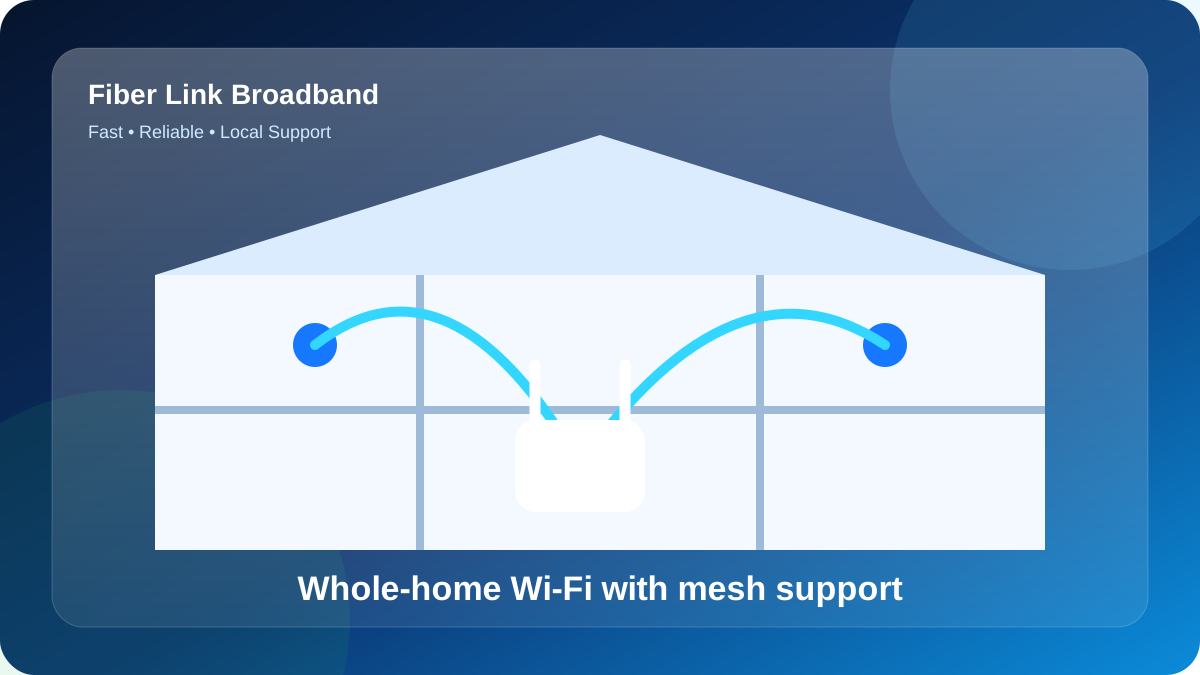
Internet speed and Wi-Fi speed are not identical
The fiber plan delivers capacity to the router. Wi-Fi performance then depends on the router, band, channel, walls, distance and device capability. A customer can have a healthy 200 Mbps line and still see weak speed in a distant room. Testing close to the router separates the incoming service from indoor coverage.
Use an Ethernet test when possible, or a modern 5 GHz device close to the router. Then compare the important rooms. This two-step method prevents unnecessary plan upgrades.
Use 2.4 GHz and 5 GHz for different jobs
5 GHz usually provides higher speed and lower interference at shorter range. It suits nearby laptops, televisions and gaming devices. The 2.4 GHz band reaches farther and supports many smart devices, but is more crowded and often slower. A dual-band router lets the property use both intelligently.
Keep the router away from metal cabinets, thick concrete corners, microwave ovens and large electronics. Elevating it in an open position often improves coverage at no extra monthly cost.
Planning Wi-Fi for long or divided properties
Westend Marg builder floors and rental homes can be long, with several walls between the entrance and back rooms. When one central router cannot cover the full layout, run Ethernet to a second access point. This gives the remote area a strong wired feed rather than repeating an already weak signal.
For a multi-floor PG or office, use planned access points and consistent naming. Avoid stacking several cheap repeaters because roaming and interference can become worse than the original problem.
Size the plan and router for simultaneous devices
Count active devices at peak time, not every device ever connected. A plan from ₹499 can suit lighter use, while 200 or 300 Mbps may be better when multiple streams, calls and downloads overlap. The router also needs enough processing capacity for the device count.
Guest devices in cafes or PGs can create bursts of activity. Separating guest access and limiting background downloads can protect essential work, billing or camera traffic.
A practical room-by-room Wi-Fi test
Test the router room, work desk, main television and farthest occupied bedroom. Record signal, speed and whether a video call remains stable. Do this at the evening peak as well as a quiet time. The comparison shows whether the issue is demand, interference or distance.
Change one factor at a time: router position, band, channel or access point. Retest after each change. A measured approach produces better results than repeatedly buying higher-speed plans.
Example Wi-Fi layout for a long Westend Marg floor
The fiber enters near the front door, but the work desk and main bedroom are at the rear. Placing the router beside the entrance produces an impressive speed test in the front room and unreliable calls at the desk. Instead, the installer extends Ethernet to a central position and mounts the main router in the hall. A second wired access point serves the far bedroom.
Nearby laptops and televisions use 5 GHz, while a few smart devices use 2.4 GHz. The customer tests four fixed points at the evening peak and records the results. This layout uses the available plan efficiently without adding random repeaters. It illustrates why a high-speed Wi-Fi page must discuss bands, backhaul and room placement in addition to the ₹499 starting price.
A focused decision route for this search
For multi-device homes, gamers, streamers, shops and rentals, the value of this page is a focused route through dual-band Wi-Fi and coverage. Start with the exact Westend Marg premises, then match the plan to simultaneous use and match the Wi-Fi design to the floor layout. The result should be a connection decision based on the occupied rooms rather than on an area name alone.
Use Top-Rated Fiber Internet Provider in Westend Marg in Saidulajab when the question broadens, and How to Choose the Best Broadband Connection in Westend Marg when a narrower follow-up becomes more important. Each guide has a different primary purpose even when the local words overlap. That separation helps a customer compare information without reading duplicated paragraphs.
A complete response to High-Speed WiFi in Westend Marg | Plans from ₹499 includes the feasibility status, chosen speed, first-payment total, equipment condition, cable route, router room and support contact. Keep those seven items in the same message thread. They form a compact handover from search to installation and from installation to future support.
Turn this keyword into a useful local enquiry
Search phrases such as High-Speed WiFi in Westend Marg | Plans from ₹499 describe an intent, but the installation team needs premises-level information. For Westend Marg, combine the keyword with the building or house name, lane, floor, permanent landmark and map pin. Add the expected number of users and the rooms where stable Wi-Fi matters. This turns a broad search into a route check that can be answered accurately.
Keep the enquiry focused on dual-band Wi-Fi and coverage, then use the related guides below for neighbouring questions. A clear topic cluster helps visitors compare plans, coverage and provider terms without forcing one page to repeat every detail.
Current reference plans for Westend Marg
Use these tiers as a planning reference, then confirm current commercial terms for the exact address. Plan capacity and Wi-Fi coverage are related but separate decisions.
| Reference plan | Monthly price | Good starting fit | Check before booking |
|---|---|---|---|
| 100 Mbps | ₹499 | Light home use, study, calls and streaming | Complete first payment and router terms |
| 200 Mbps | ₹699 | Families, work from home and multiple streams | Peak-hour device load and room coverage |
| 300 Mbps | ₹799 | Heavy shared use, gaming, creators or small offices | Router capability and access-point design |
Reference prices shown on the current site. Confirm current taxes, installation, equipment/security terms and exact-address availability for Westend Marg before payment.
Installation and verification checklist
- Send the building or house, lane, floor, landmark and live map pin.
- Confirm owner, caretaker or society permission for the proposed cable route.
- Request the monthly plan, full first payment and equipment terms in writing.
- Select an open, central router location with power before the visit.
- Keep fiber away from sharp bends, doors, water and exposed walking paths.
- Test near the router, then test the rooms where work, study and streaming happen.
- Save the account, receipt, Wi-Fi details and one baseline result.
Check Westend Marg availability
Send one complete address bundle to 9971524677. Include the property, lane, floor, map pin, number of users and preferred activation date. Ask for feasibility, plan, installation and router terms before payment.
Request an exact-address fiber check
Use WhatsApp for the fastest exchange of map pin, floor and property details.
WhatsApp 9971524677Call for New ConnectionQuestions about Westend Marg fiber internet
How do I check fiber availability for Westend Marg?
Send the exact building or house, lane, floor, nearest landmark and live map pin to 9971524677. Final availability depends on the cable route and current local network capacity.
Which plan should I choose?
Choose from the busiest simultaneous use. 100 Mbps can suit lighter use, 200 Mbps gives family headroom, and 300 Mbps is useful for heavier shared activity. Wi-Fi coverage must be planned separately.
Does a higher speed fix weak Wi-Fi rooms?
Not necessarily. Weak rooms are usually caused by distance, walls, interference or router placement. A central router or wired access point may help more than a plan upgrade.
What costs should I confirm before installation?
Confirm the monthly plan, taxes, installation, router or refundable-security terms, duration benefits and the complete first payment in writing.
Can tenants or PG residents get a connection?
Yes, subject to feasibility and owner or caretaker permission for the cable route, drilling, clips, shafts or common-area access.
How can I contact Fiber Link Broadband?
Call or WhatsApp 9971524677 with the exact address, floor, map pin, number of users and preferred plan.